
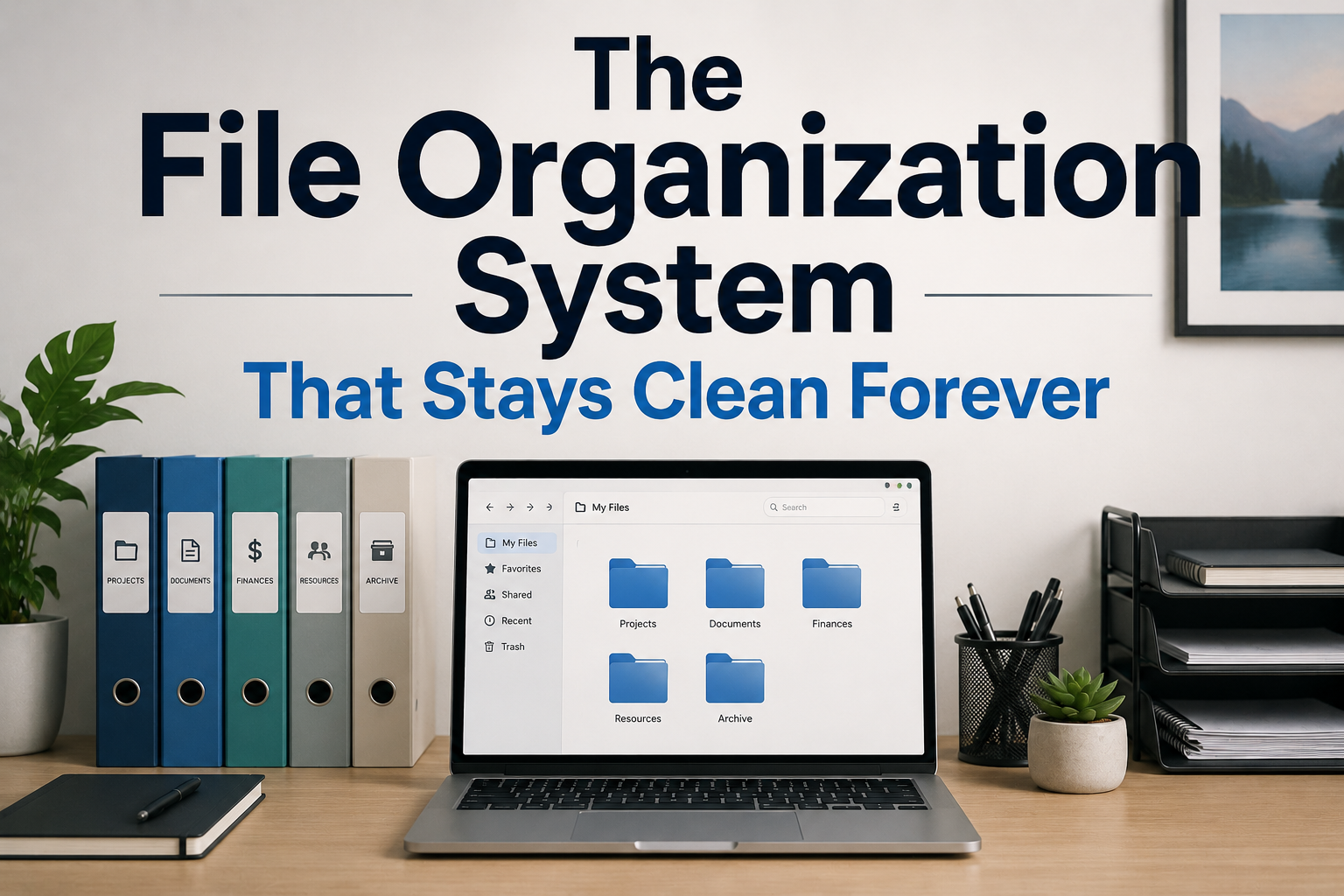
Maintaining order in digital or paper information is a common challenge. Over time, files, spreadsheets, photos, and emails accumulate, making it difficult to quickly find the information needed. A messy system not only costs time but also increases stress and reduces productivity. With the right strategies, you can build a consistently organized file management system. This guide covers a number of effective and simple techniques to help you create a permanently organized file system.
Understanding the Causes of File Accumulation
The first step in building an organized file system is understanding why files accumulate. Most people create files without a consistent naming convention, store them haphazardly, and rarely check past files. Ultimately, this behavior leads to a chaotic file system, characterized by duplicate files, outdated files, and archiving errors, scattered across various devices or physical storage media. By recognizing these patterns, you can address the underlying causes rather than just treating the symptoms. Consider questions such as “Are my naming conventions consistent?” or “Are my files systematically organized for quick access?” Awareness is the cornerstone of building a self-sufficient system.
Implementing Consistent Naming
Clear naming is one of the most effective ways to keep files organized. Every file must have a meaningful title that clearly reflects the information. For example, instead of “document1.docx,” use the title “Projectproposal_Marketing_2026.docx.” If applicable, add information such as the project name, department, and date. Consistency is crucial. Once the formatting is established, it must be applied to all files. This approach ensures that, even if a file is moved or distributed, the title provides sufficient contextual information for identification without requiring access to the file itself. This simple method can significantly reduce the time required to find files.
Implementing a Logical Folder Structure
Simply naming files is not enough; the way folders are organized is crucial for maintaining an overview. Establish a hierarchical structure that reflects your work or personal processes. First, create general categories such as ‘Work’, ‘Personal’, or ‘Finance’, and then divide these into subfolders such as ‘Projects’, ‘Invoices’, or ‘Receipts’. The goal is to create an intuitive and easy-to-understand path. For example, a path like ‘Work > Marketing > 2026 > CampaignA’ clearly identifies the specific campaign folders. An organized folder structure reduces the disorderly accumulation of files and ensures good order within the system.
Continuous Cleanup and Storage
Even with the best system, chaos can still arise if you do not check your files regularly. Set up a regular (weekly or monthly) check mechanism for your files. Delete duplicate, outdated, or files that are no longer needed. Create an archive folder for files you want to keep but rarely use, or move them to external storage. Make use of cloud storage systems that offer automatic backups of digital files. Regular cleanup ensures an organized file system and prevents data from accumulating again unnoticed.
Use Tags and Metadata
Modern operating systems and applications support the use of tags and metadata to optimize organizational structures. Tags categorize files into folders, making information retrieval more efficient. For example, documents can be categorized by client name, priority, or project phase. Metadata (such as creation date, author, and version history) helps in quickly identifying files. These features increase flexibility, particularly with large datasets. Multiple search criteria can be used, eliminating the need to remember exact folder locations and maintaining an organized and efficient system.
Automate as much as Possible
Automation can save significant time and reduce the clutter of manual operations. Digital files can be automated using applications such as Hazel for Mac, File Juggler for Windows, or integrated automation scripts. These applications can move, rename, or tag files based on established criteria. Filters and rules can quickly categorize incoming emails into the correct folders. Even simple shortcuts or cloud synchronization protocols prevent file loss. Automating repetitive organizational tasks reduces human error and keeps the file system organized without constant supervision.
Maintain Discipline and Processes
Ultimately, the integrity of a file system depends on the methods used to maintain it. Integrate structure into your daily work. Save files directly to the correct folders, strictly adhere to naming conventions, and quickly delete or archive unnecessary documents. Encourage all team members to follow a consistent system to prevent inconsistencies. Eventually, these methods will become instinctive, and the system will sustain itself. A little discipline at the start can save you hours of frustration later and ensure that you always keep your files organized.
Use Cloud Storage Strategically
Cloud storage is more than just backup; it is a powerful organizational tool. Platforms such as Google Drive, OneDrive, and Dropbox offer easy access to files across different devices, make document sharing simple, and provide a centralized structure. Collaborate using shared folders and store confidential information in personal files. Track changes using version history to prevent the generation of countless duplicate files. By integrating cloud storage into your workflow, you can build a dynamic system that ensures files remain organized across different devices and locations.
Continuously Evaluate and Improve Your System
File organization systems are not static; your needs change over time. Regularly take the time to evaluate the structure of your system. Create new folders if necessary, remove outdated categories, and adjust naming rules. Continuous improvement ensures that the system adapts to changing work habits or specific projects. This proactive strategy prevents the system from becoming obsolete and keeps it organized in the long run.
Conclusion
Building a sustainable and effective file organization system requires well-thought-out goals, a consistent system structure, and unwavering execution. By understanding the causes of clutter, implementing consistent naming rules, organizing folders systematically, cleaning up regularly, using tags and metadata, deploying automation, maintaining self-discipline, using cloud storage wisely, and checking the system regularly, you can easily keep everything organized. A well-organized file system saves time and reduces stress, increases productivity, and ensures that every document is in the right place.
FAQs
1. How often should I check my file system?
Monthly or quarterly checks are most effective. This keeps the system organized without taking up too much time.
2. Is it permissible to use the same naming convention for all emails?
Absolutely. Using a consistent naming convention for attachments and email subjects helps in quickly retrieving important information.
3. Should I archive or delete outdated files?
Archive files that might still be useful and delete duplicate or redundant files to prevent clutter.
4. Is cloud storage essential for an organized system?
Although not essential, cloud storage offers more flexibility, facilitates remote access, and provides additional structure for individual and team collaboration.
5. How can I manage shared files within a team to prevent chaos?
Use shared folders with clear naming conventions and access permissions. Ensure that all team members adhere to the established rules to maintain order.
6. Can automation completely replace human management?
Automation helps maintain order, but cannot replace human management. Only by combining the two can lasting clarity be guaranteed.

Sunita Voss wanders through software like a city flâneur—observing, testing, occasionally getting lost, always finding shortcuts. She writes about digital minimalism, hidden web tools, and tech hacks with the patience of someone who enjoys the journey and the urgency of someone who values her time. No gurus. No gatekeeping. Just discovered paths.