
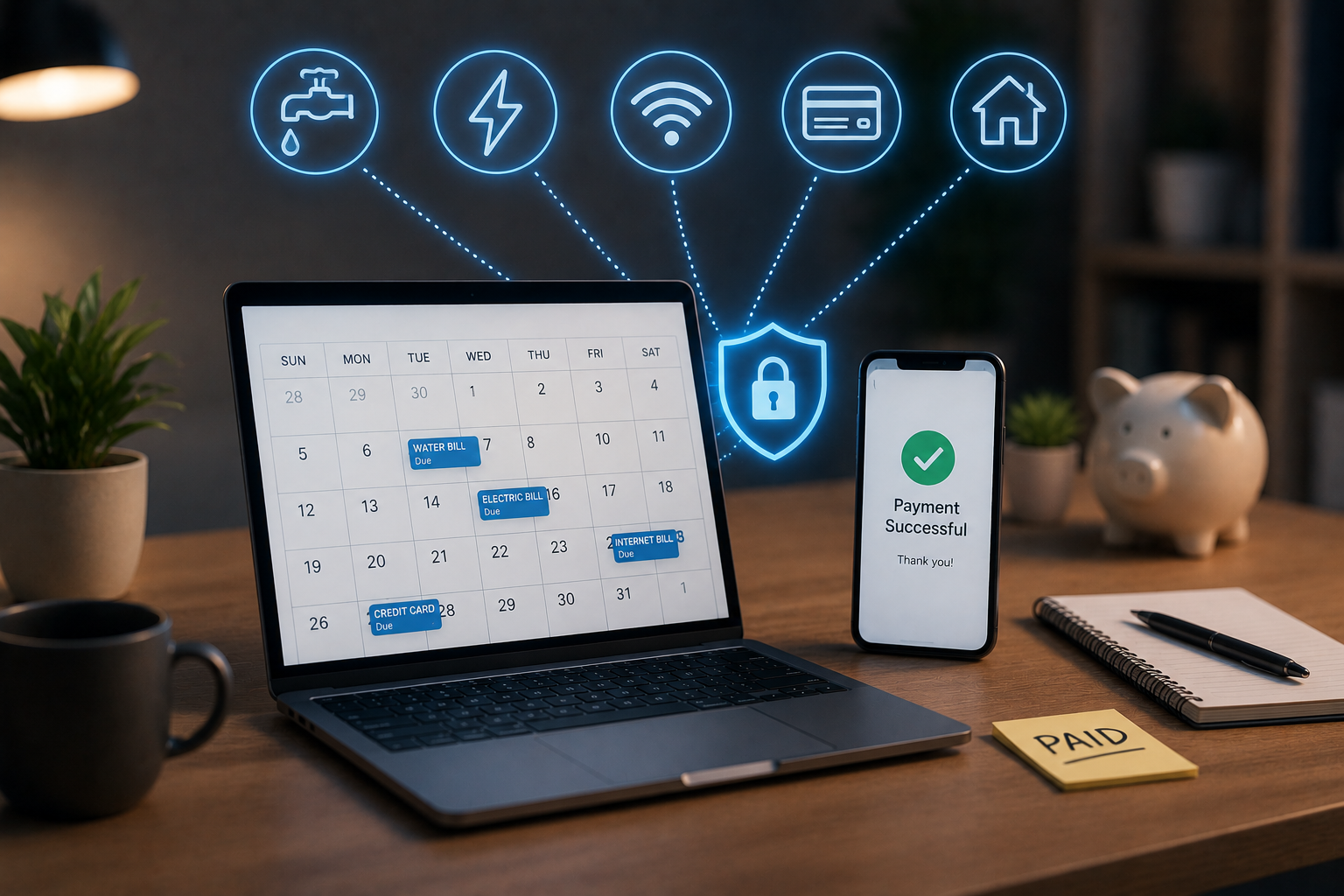
Everyone forgets to pay bills from time to time. Life is full of unexpected events; bills that need to be paid unexpectedly, and suddenly you might face late payment penalties, or worse, a negative impact on your credit score. The good news is that millions of people have already solved this problem with a simple solution: automatic payments.
Automatic payments are no longer reserved solely for financially savvy professionals or IT enthusiasts. Most banks, utility companies, and subscription providers offer simple setup methods that anyone can complete within minutes. The real challenge is not how to get started, but how to set it up safely and completely to actually improve your finances rather than create new problems. This guide covers everything you need to know, from how automatic payments work to tools and best practices for protecting your money.
Introduction to Automatic Payments
Automatic payments involve setting up recurring financial transactions that automatically transfer money from your account to the recipient’s account on specific dates, without you having to do anything each time. This can apply to your mortgage, utility bill, Netflix subscription, and car insurance. There are two main ways to set up automatic payments. The first way is through a bank’s payment service, where you authorize the bank to pay your bills on your behalf. The second way is direct debit, where you authorize the company to deduct money directly from your account. Both methods are common and have their advantages, depending on the type of bill you pay.
Benefits of Automatic Payments
The most obvious advantage is the consistency of payments. Automatic payments prevent human error: you do not forget to pay, do not miscalculate due dates, and do not pay the wrong amount for a recurring bill. One of the most important factors influencing your credit score is whether you pay on time. Your payment history is a major factor influencing your credit score and accounts for 35% of your total score. Automatic payments ensure that this crucial indicator continues to work in your favor every month.
In addition to improving your credit score, automation also saves time. The average American household has 10 to 15 recurring expenses per month. Logging into accounts, checking balances, and making annual automatic payments takes hours that could be better spent on other things. Automation is not only convenient but also financially beneficial, as many service providers offer small discounts or even fee waivers to users who sign up for automatic payments.
Getting Started with Secure Automation
Before setting up automatic payments, you need to have a good overview of your finances. Make a list of all recurring bills, such as energy costs, rent or mortgage, insurance premiums, loan repayments, and subscription fees. Note the due date, the amount to be paid (fixed or variable), and your current payment method.
Next, review your account balance and cash flow. Automation is great, but ensure there is sufficient balance in your account after you have set up the payments. Know when you are paid and try to set up automatic payments a few days after your payout to avoid going into overdraft. Enable low balance alerts if your bank offers them. This can prevent a series of failed payments and overdraft fees.
Choosing the Right Automation Tool
Your bank is usually the best starting point. Most major banks and credit unions offer free payment services via their web platforms or mobile apps. These features allow you to add beneficiaries, set initial payment amounts, and schedule recurring payments on a single platform. Payments via a bank offer additional control over your authorized actions.
Professional personal financial management tools, such as Mint, YNAB (You Need a Budget), and Quicken, can help you track expenses, view account balances, and organize your payments in a convenient control panel, allowing you to manage your finances better. Some platforms even show upcoming payments and warn you when your balance is insufficient to cover them.
If you want to automate payments via a specific service provider—for example, by setting up direct payments with your energy supplier or mortgage lender—this approach works for fixed-rate accounts. However, make sure to keep track of every direct payment sign-up so you don’t miss any.
Best Practices for Securing Automatic Payments
Security is a top priority for consumers when it comes to automatic payments. This topic is indeed an important point. Sharing account details with multiple banks entails risks, but these can be effectively managed with a few simple steps.
• Use strong passwords for every financial account and enable two-factor authentication where possible. Avoid opening your banking or financial apps via public Wi-Fi networks. Check your bank and credit card statements at least weekly to detect fraudulent transactions immediately. Although you have rights as a consumer under the Money Transfer Act in the event of an illegal transaction, resolving the problem is much easier if you discover it quickly.
Additionally, some bill amounts may change, such as credit card debt or utility bills. If possible, set up automatic payments that pay the minimum amount each time instead of the full amount. This prevents unexpectedly high costs and ensures that you do not miss any payments.
Troubleshooting Common Automation Issues
Even well-organized automated systems can encounter problems. Payments may be declined if your account balance is insufficient, the linked debit card has expired, or the recipient’s bank details have changed. In most cases, these issues can be easily resolved by updating your payment details on all platforms and maintaining a buffer in your payment account.
If a payment is returned, act quickly. Contact the recipient and explain the situation. At most companies, the fees for the first failed payment are waived if you act promptly. Before attempting to pay again, determine the reason. Retrying a failed transaction only resolves the issue and does not address the underlying cause.
Another common reason for payment interruptions is switching banks or opening a new account. Before closing your old account, you must update all automatic payment details with your new account details and wait at least one full billing cycle to ensure the changes have taken effect.
How to Leverage Automation to Improve Your Financial Health
Automation works best when integrated into a broader financial strategy. Once your payments are set up automatically, you can spend the time and effort you save on broader financial goals, such as building an emergency fund, accelerating debt repayment, or increasing your savings.
Consider setting up automatic savings transfers on the day your salary comes in. By transferring small amounts each month to a high-interest savings account, the return grows quickly thanks to the compounding effect. This is one of the most recommended techniques for personal finance, and automation makes it easy.
Check your automatic payment plans every three to six months. You may have subscribed to certain services and subsequently forgotten about them. But accounts change, and so do your financial priorities. Regular checks ensure that your automation settings align with your current life situation, not that of two years ago.
Automation is a Tool, not a One-off Solution
Automation can make paying bills easier and less stressful, but regular checks remain crucial. Schedule a monthly ‘financial appointment’ for yourself: take 30 minutes to review your income and expenses and check if your automatic payments are still appropriate.
The goal is not to completely let go of your finances, but to free yourself from the most monotonous and error-prone tasks, so that you can focus on what truly impacts your future financial situation. “Start with two or three accounts, gain experience, and gradually increase the number. The best financial management system is one that you can consistently stick to.”
FAQs
1. Is automatic bill payment safe?
Yes, as long as you proceed with caution. Set strong passwords, enable two-factor authentication, and check your account statements regularly. Most banks also offer fraud protection, which limits your liability if someone carries out illegal transactions. Here are some accounts that are best suited for automatic payments:
2. What happens if there is insufficient balance in my account on the due date?
Payments will likely be declined, your bank may charge an insufficient balance fee (NSF), and the recipient may incur late payment penalties. To avoid this, keep a small buffer in your checking account. Set up alerts for low balances.
3. Can I cancel automatic payments?
Yes. You can usually stop or postpone automatic payments via your bank’s website or by contacting the recipient directly. Schedule the cancellation at least three to five business days before your next payment date so that it can be processed in time.
4. Will automatic payments affect my spending overview?
No, not if you take a proactive approach. Use a budgeting program or set aside time each month to review your transaction history. Automation saves you the hassle of initiating payments, but it does not relieve you of the obligation to know where your money is going.

Sunita Voss wanders through software like a city flâneur—observing, testing, occasionally getting lost, always finding shortcuts. She writes about digital minimalism, hidden web tools, and tech hacks with the patience of someone who enjoys the journey and the urgency of someone who values her time. No gurus. No gatekeeping. Just discovered paths.