
Automation is supposed to remove repetitive work. A workflow that moves information between apps, creates reminders, sorts files, sends notifications, or updates records can save a surprising amount of time when it behaves reliably. The trouble starts when an automation becomes something you have to supervise constantly. A task that once ran quietly in the …
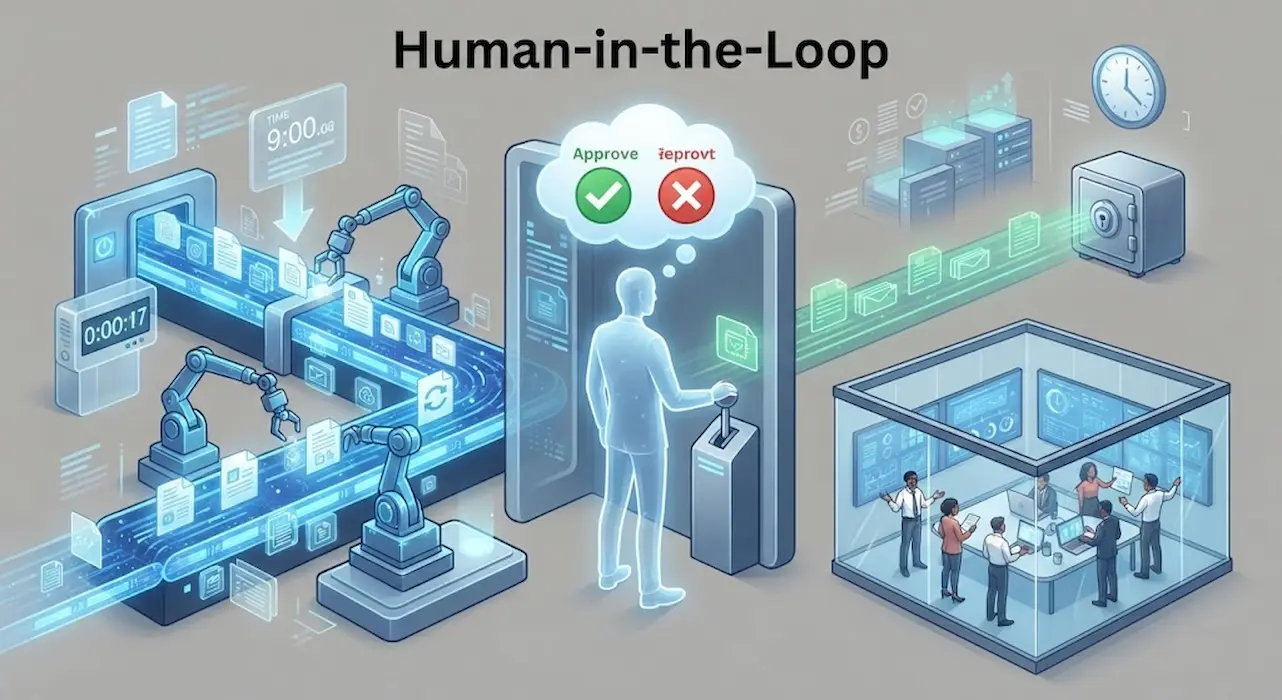
Automation is intoxicating. The moment you successfully wire together an API connection that moves data, sends emails, or updates records without human touch, it feels like magic. You start automating everything. Then, disaster strikes. A stray comma in a script deletes a client database, an automated billing system sends duplicate invoices to thousands of customers, …

Certain jobs are easily recalled due to their daily occurrence. Individuals appear to fade from your memory specifically due to their infrequent occurrences. You may recall responding to a significant communication but neglect to check back three days afterward. A monthly report is finalized in one month and overlooked in the subsequent month. A subscription …

Simple patterns govern many commercial tasks. Someone checks a condition, then acts. Emails are delivered when customers submit forms. Please create a reminder for the overdue invoice. A support request is high-priority and assigned to the proper team. Daily, people make these judgments manually without understanding they are following a basic automation rule. Conditional automation …

The moment many people begin thinking seriously about photo backups is often the moment something goes wrong. A phone slips into water during a vacation, a laptop refuses to start, or a device is replaced after years of use. Only then does the question arise: Where are all my photos? Sometimes every image appears safely …