Geo-Blocked Content? Access It Legally and Safely With These Tools
You can only watch programs on BBC iPlayer. The research report is located on a server at a German university that does not allow connections from IP addresses outside Europe. The sporting event is only streamed when I am not there. Every time, I get the same annoying message: “This content is not available in your region.” Every time, a well-meaning friend says the same thing: “Just use a VPN.”
However, VPNs are not always the best option. They are not always necessary. Sometimes they are not even sufficient. And depending on what you want to watch and why, the laws are not always clear. This article describes legal and risky solutions, distinguishes between free and paid options, and introduces a number of specific tools that allow you to bypass geographical restrictions without violating the law or the terms of service in your country.
Why Geo-Blocking Exists (And Why It Sometimes Doesn’t Matter)
There are three main reasons for geoblocking, each with its own legal and ethical issues:
Licensing restrictions: Content owners sell distribution rights for their content by region. For example, a film available on Netflix in the United Kingdom might only be available on Hulu in the US. The blocking protects only the contract, not the content itself. Bypassing these blocks is generally in violation of the streaming service’s rules, which, although not illegal, can lead to the deletion of your account.
Law and regulatory compliance: Some content is blocked because it does not comply with local regulations. This includes gambling websites, certain news sources, and content considered offensive in some cultures. Bypassing these blocks may violate your region’s laws and, depending on the specific circumstances, you could face fines or even more severe sanctions.
Security and fraud prevention: To prevent fraud and comply with data storage regulations, banks, government agencies, and some e-commerce websites block foreign IP addresses. Bypassing these restrictions can lead to security warnings, account blocking, or legal disputes.
Legal Reality: Using a VPN to access content that violates licensing terms is generally a civil matter between you and the service provider. Using a VPN to access content that’s illegal in your jurisdiction is a criminal matter. The tool is the same. The legal distinction is not. Know which scenario you’re in before proceeding.
Scenario 1: The Traveling Professional (Accessing Your Own Content Abroad)
You live in the US and have a Netflix account. You travel to Japan for work. You can still use your Netflix account, but your content library has changed. Some series you previously watched are no longer available, and others are only available with Japanese dubbing. You need to restore your content library to the situation it was when you were in the US.
The legitimate solution: The legal solution is that most streaming services allow you to use a VPN to protect your privacy and security abroad. The terms of service often state that you may not use a VPN to access content in regions where you do not have a valid subscription. This means that you may not use a VPN to maintain access to your content library in the US during your trip.
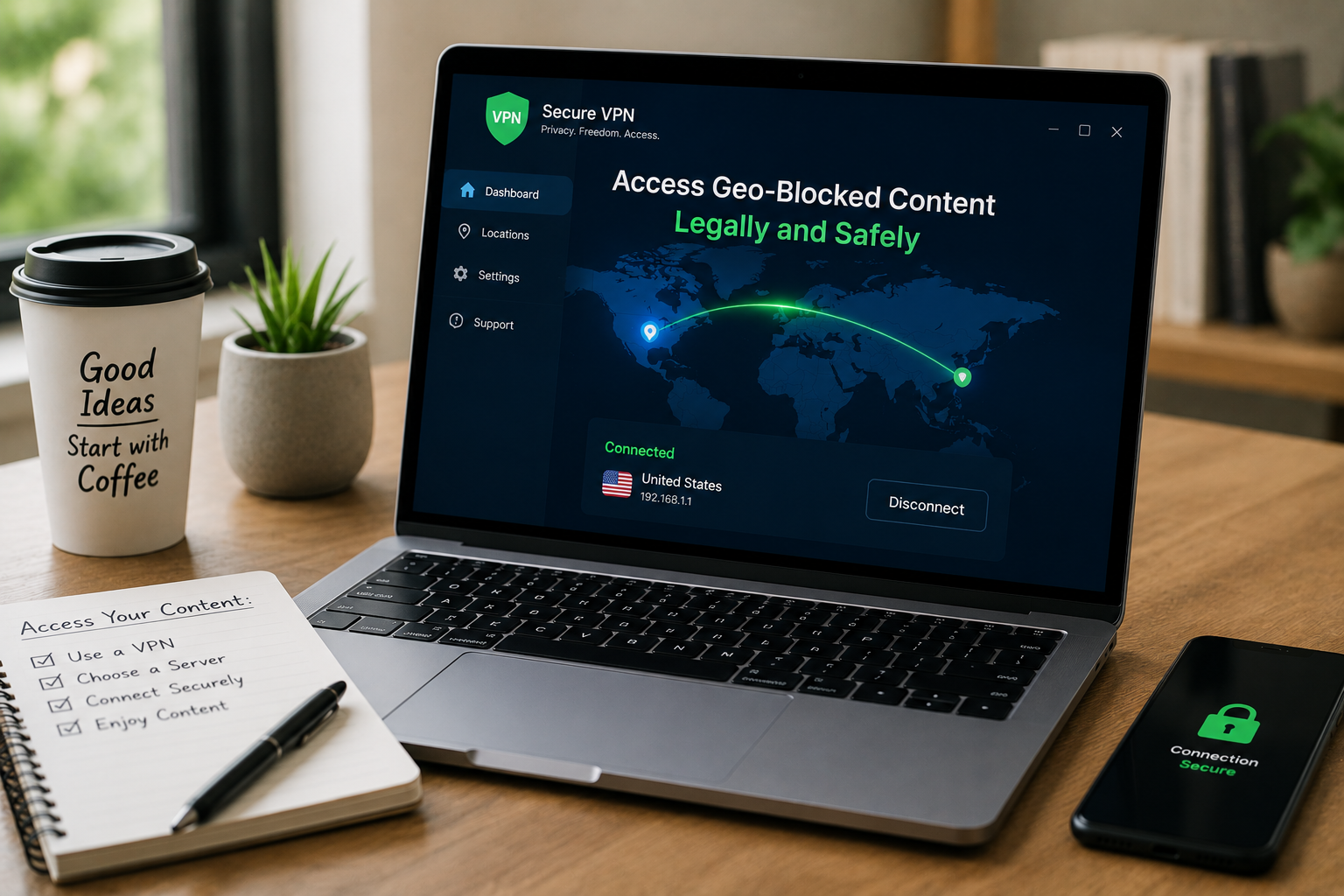
Tools: Any VPN service you trust that has servers in your country. NordVPN, ExpressVPN, and Surfshark all have a large number of servers. ProtonVPN’s free plan includes servers in the US, the Netherlands, and Japan, which should be sufficient for most users.
Installation method: Connect to a computer in your own country before opening the streaming app. If the app is already open, quickly close it and open it again. The streaming app saves your location data when you open it.
Scenario 2: The Academic Researcher (Accessing Region-Locked Journals)
An important article for your research has been published in a journal that restricts access to the institution’s IP addresses for users in the EU. Your US university is not a member of that journal. The author has not yet responded to your emails. You need to obtain information about the journal.
The legitimate solution: There is a legitimate way to do this, and many schools offer VPN services for this purpose. Your school library may offer a VPN or proxy service for “off-campus access,” where your traffic is routed through their network so that you appear to be an official user.
Tools: Your school library’s VPN or EZproxy service. These services are usually legitimate, free for students and teachers, and configured to provide access only to academic databases.
Alternative: Through interlibrary loan (ILL), you can request a printed or electronic copy from a school that has access to the journal. This method takes longer—usually 3 to 10 days—but is legal and often free.
The “nuclear option” is to email the author directly. In the academic world, most people like to share their work, and obtaining a personal PDF version from the author is legal and can be done directly. In fact, more people respond than you might think.
Pro Tip: Google Scholar’s “All versions” link often surfaces preprints, author manuscripts, or institutional repository copies that bypass paywalls entirely. These are legal, free, and sometimes more current than the published version. Always check here before considering any circumvention.
Scenario 3: The Expatriate (Accessing Home Country Services)
You’ve relocated from the UK to Canada. You still have a UK bank account, a UK pension, and family who send you BBC programs you can’t access. You need to manage these services without flying home monthly.
The legitimate solution: Many UK services — BBC iPlayer, banking portals, government sites — explicitly allow access from abroad for citizens and residents. The BBC requires a TV license, which you presumably had while living in the UK. Banking sites typically allow international access with additional security verification.
Tool: A VPN with UK servers. For banking, use your bank’s recommended security practices — they often provide their own VPN or require specific two-factor authentication methods for international access.
Specific caution: BBC iPlayer actively blocks many VPN IP ranges. Not all VPNs work consistently. NordVPN and ExpressVPN invest in maintaining working BBC access, but it’s an arms race. Free VPNs almost never work for iPlayer.
Scenario 4: The Privacy-Conscious User (Avoiding Surveillance, Not Geo-Blocks)
You live in a country with extensive internet surveillance and want to browse without your traffic being monitored, logged, or potentially used against you. The geo-block circumvention is incidental — the primary goal is privacy.
The legitimate solution: Privacy-focused VPNs and the Tor network serve different purposes and carry different risks. Understanding the distinction matters.
VPN approach: ProtonVPN (Swiss-based, strong privacy policy, no-logs audited), Mullvad (anonymous account numbers, cash payment accepted), or IVPN (transparent ownership, regular audits). These prioritize privacy over unblocking streaming services.
Tor approach: The Tor Browser routes traffic through three volunteer-run nodes, making tracing extremely difficult. It’s free, but slower than VPNs. Some sites block Tor exit nodes entirely. It’s also more conspicuous — using Tor can attract attention in surveillance-heavy jurisdictions.
Critical distinction: A VPN encrypts your traffic and hides it from your ISP, but the VPN provider can see your activity (if they keep logs). Tor hides your activity from both your ISP and the entry nodes, but the exit node can see unencrypted traffic. For maximum privacy, combine Tor with HTTPS-only browsing.
Scenario 5: The Sports Fan (Regional Broadcasting Blackouts)
Your local team is blacked out on the national streaming service because the regional broadcaster holds exclusive rights. You don’t have cable. You want to watch the game legally.
The legitimate solution: This is the most constrained scenario. Regional sports blackouts exist specifically to protect local broadcaster deals. Circumventing them with a VPN violates the streaming service’s terms and potentially the broadcaster’s contractual rights.
Legal alternatives:
- Subscribe to the regional broadcaster’s streaming service if available
- Use an over-the-air antenna for local broadcast games (often free, HD quality)
- Attend the game in person (obvious, but sometimes overlooked)
- Wait for national broadcast windows when blackout restrictions lift
- Use the league’s official out-of-market package (NFL Sunday Ticket, NBA League Pass, etc.) — expensive, but explicitly designed for this use case
The reality: Many fans use VPNs for this scenario. It’s common, technically simple, and rarely enforced. But it’s not legally clean, and this article won’t recommend it as a primary solution.
| Scenario | Primary Tool | Legal Status | Risk Level |
|---|---|---|---|
| Traveling, accessing home subscription | Reputable VPN | Generally permitted by ToS | Low |
| Academic research, institutional access | University VPN / ILL | Fully legitimate | None |
| Expatriate, home country services | Reputable VPN | Gray area, rarely enforced | Low-Moderate |
| Privacy from surveillance | Privacy VPN or Tor | Legal in most jurisdictions | Low (unless VPNs banned locally) |
| Sports blackout circumvention | VPN (not recommended) | Violates ToS, contractual | Moderate |
Tool Deep-Dive: The VPN Landscape in 2026
Not all VPNs are equal. The market is saturated with options that range from excellent to dangerous. Here’s how to evaluate:
What to Demand
- Audited no-logs policy: A VPN that keeps logs can be compelled to hand them over. Look for independent audits (PricewaterhouseCoopers, Deloitte) of the no-logs claim.
- Strong encryption: AES-256 is standard. Anything less is unacceptable.
- Kill switch: If the VPN connection drops, the kill switch blocks all internet traffic to prevent IP exposure. Essential for privacy use cases.
- Server network: More locations mean more flexibility, but quality matters more than quantity. A VPN with 50 well-maintained servers beats one with 5,000 neglected ones.
- Ownership transparency: Who owns the VPN? Where is it headquartered? What jurisdiction governs its data practices? Opaque ownership is a red flag.
Specific Recommendations by Use Case
For streaming and travel: ExpressVPN or NordVPN. Both invest heavily in maintaining access to streaming services. Both have 30-day money-back guarantees. ExpressVPN is faster; NordVPN is cheaper long-term.
For privacy: Mullvad or ProtonVPN. Mullvad accepts cash and anonymous account numbers — no email required. ProtonVPN is Swiss-based with strong legal protections and a free tier for basic use.
For budget: ProtonVPN’s free tier (no data cap, three countries) or Windscribe’s free tier (10GB monthly, multiple countries). Both are genuinely usable for light needs. Avoid “free” VPNs that sell your data or inject ads — the product is you.
Avoid: VPNs based in Five Eyes countries (US, UK, Canada, Australia, New Zealand) with vague privacy policies, no audits, or ownership by advertising companies. Hola VPN, for example, was caught selling user bandwidth. Betternet was found to inject tracking libraries. Free is expensive when the cost is your data.
Pro Tip: Test your VPN before you need it. Connect, visit ipleak.net, and verify your IP address matches the VPN server location. Check for DNS leaks (the site tests this automatically). A VPN that leaks your real IP is worse than no VPN — it gives false confidence.
Alternative Tools: When VPNs Aren’t the Answer
Sometimes the right tool isn’t a VPN at all:
Smart DNS: Services like SmartDNSProxy or Unlocator reroute only the DNS requests that streaming services use for location checks. Faster than VPNs (no encryption overhead), works on devices that don’t support VPN apps (smart TVs, game consoles), and often cheaper. The trade-off: no privacy protection, since your traffic isn’t encrypted. Purely for geo-block circumvention, not security.
Browser extensions: Hola Unblocker (avoid — see above), Windscribe browser extension, or location spoofing extensions for Chrome. These are limited to browser traffic and often less reliable than full VPNs. Useful for quick checks, not sustained use.
Proxy servers: Manual configuration in browser or system settings. Technical, unreliable, and often slow. Generally not worth the effort for non-technical users.
The Setup Checklist: Before You Connect
Before relying on any geo-block workaround for important access:
- Verify the VPN’s no-logs policy has been independently audited
- Test for IP and DNS leaks using ipleak.net or dnsleaktest.com
- Confirm the service has servers in your target country
- Check recent user reviews for streaming service compatibility (this changes constantly)
- Understand the refund policy in case the service doesn’t work for your specific need
- Enable the kill switch if privacy is a concern
- Never use free VPNs for sensitive access — the data cost exceeds the monetary savings
When Geo-Blocking Is the Signal, Not the Problem
Sometimes a geo-block is telling you something important. A gambling site blocked in your country might be illegal for good reason. A news source blocked by your government might be propaganda that you shouldn’t trust regardless of access. A streaming service unavailable in your region might not have the licensing rights that ensure quality and support.
The tools above solve technical problems. They don’t solve ethical ones. Use them for legitimate access — your own subscriptions, your own research, your own privacy. Don’t use them to violate laws that protect you or others, or to exploit licensing systems that fund the content you enjoy.
Related Articles
- How to Check If a Website Is Safe Before You Click
- Browser Features Hidden in Plain Sight (You’ve Never Clicked These)
- Expensive Software Replaced: 15 Free Online Tools You Never Knew Existed
- Small Teams, Big Collaboration: Free Web Tools That Actually Work
- How to Find Any Website’s Traffic Stats Without Paying a Dime
Sources and References
- Electronic Frontier Foundation. (2026). VPNs and Privacy: Legal Considerations and Best Practices. EFF. https://www.eff.org
- ProtonVPN. (2026). Swiss Privacy Laws and No-Logs Policy: Independent Audit Results. ProtonVPN Blog. https://protonvpn.com
- Center for Internet Security. (2026). VPN Security Assessment: Encryption Standards and Leak Testing. CIS Controls. https://www.cisecurity.org
- BBC. (2026). iPlayer Terms of Use: VPN and International Access Policies. BBC Help. https://www.bbc.co.uk/iplayer/help
- That One Privacy Site. (2026). VPN Comparison Chart: Ownership, Jurisdiction, and Audit Status. https://thatoneprivacysite.net
About the Author: The InsightTrail team has accessed research papers from five continents, streamed cricket matches from time zones we can’t pronounce, and learned that the best geo-block workaround is usually the most boring one. We believe access to information should be legal, safe, and uncomplicated.

Sunita Voss wanders through software like a city flâneur—observing, testing, occasionally getting lost, always finding shortcuts. She writes about digital minimalism, hidden web tools, and tech hacks with the patience of someone who enjoys the journey and the urgency of someone who values her time. No gurus. No gatekeeping. Just discovered paths.