
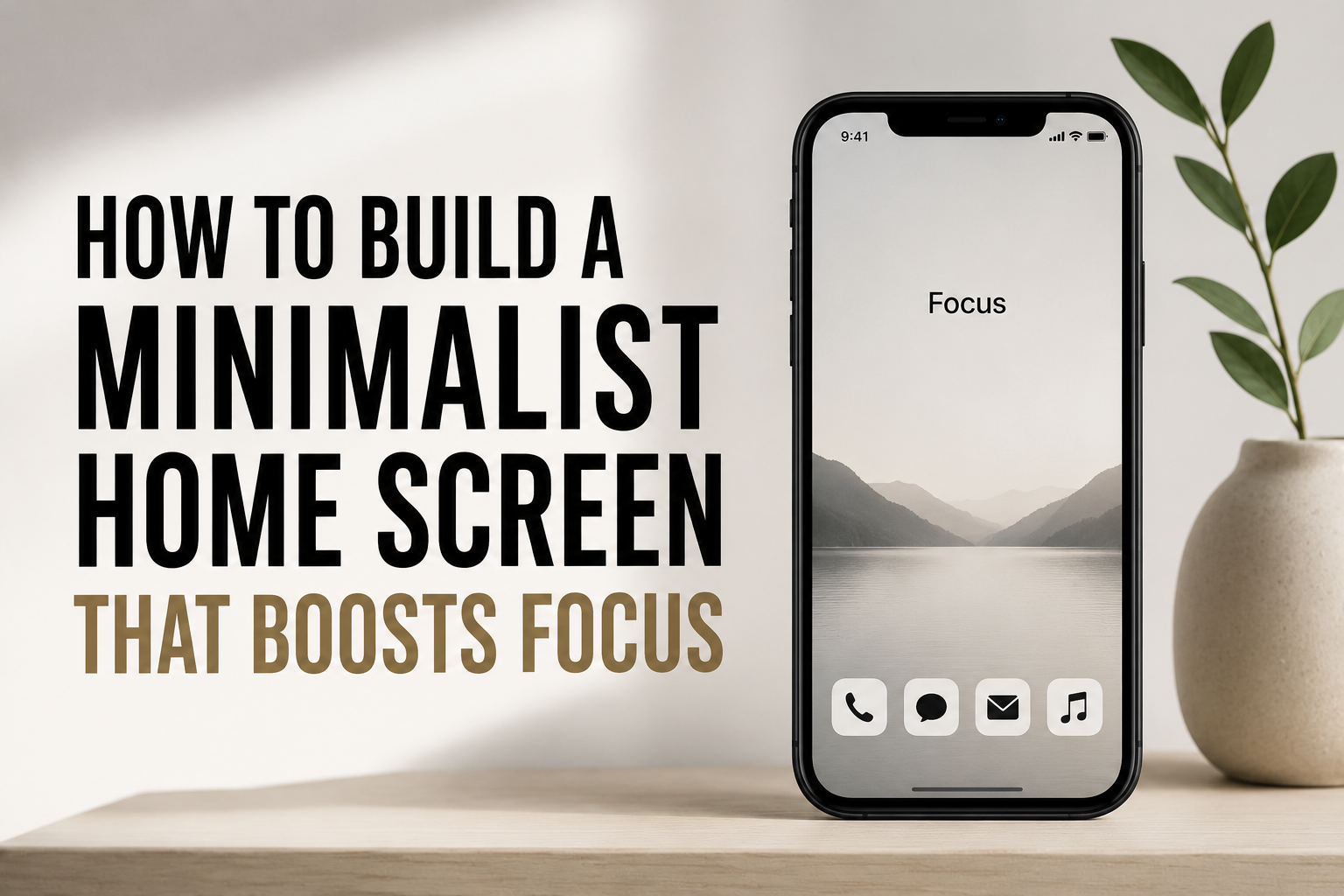
Creating a simple home screen goes beyond cleaning your phone. Design a place that helps you focus and eliminates distractions. A simple, intelligent home page may help you focus and prioritize what’s important, whereas a crowded one promotes continuous browsing. Maintaining just the most important software, deleting extraneous widgets, and adopting discreet color palettes is digital minimalism. Instead of limiting functionality, make every tap and gaze meaningful. Focusing on app and shortcut organization minimizes stress and boosts productivity. Simplicity, clarity, and order in minimalist design help soothe and focus your mind. Displaying only your most-used apps on the initial screen and concealing others in folders or app drawers lowers visual noise. Simple iconography and a consistent color palette help the mind focus. Well-designed minimalist home screens may make your phone feel like a utility rather than a distraction, helping you manage your time and attention.
Finding Your Essential Apps
Identify your daily-use applications before deleting. Essential applications let you do activities, communicate, and manage routines. Spend a few days observing your usage to determine which applications you use most and which you can live without. Social media and entertainment applications take up space and mental energy, so put them in a folder or hide them. Because they complement your goals, productivity, communication, and wellness applications work best on minimalist home screens. Instead of utilizing many applications for note-taking and reminders, use one. The trick is to maintain just useful programs. Once you have a list of vital applications, choose which ones to put on your home screen. Please reflect on your behaviors and remove any time-wasting applications during this process. Keeping just necessary applications visible helps you prioritize and provides a neater, more deliberate digital space.
Classifying Apps by Function
After choosing critical apps, organize them carefully. Group apps by function to simplify navigation and avoid choice fatigue. You might group communication applications, productivity apps, and fitness or health apps. Function-based categorization helps your brain identify what you need without browsing screens. Folders let you conceal seldom-used programs while making them accessible. A visually serene and logical home screen is the aim. Keep the same design across screens for consistency. Keeping your most-used applications at the bottom or near your thumb zone makes them accessible and efficient. Some prefer a single-screen style with no scrolling, while others prefer numerous displays with the same sequence and structure. Function-based app organization streamlines interactions, reduces clutter, and improves attention. This makes your home screen a tool for your goals rather than a distraction.
Choosing a Restful Design
The appearance of your home screen helps you focus. Simple backgrounds, subdued colors, and clear symbols decrease visual noise and relax your mind. Flashy backgrounds, widgets, and patterns can distract you and cause mental weariness. Neutral hues like gentle grays, pastels, and whites offer space and order in minimalist design. Your home screen can seem more structured and deliberate with icon packs or personalized icons in a consistent design. Avoid utilizing too many widgets unless they provide clear information, like a weather app or calendar. Small details like icon spacing and coordinated layouts boost reading and mental clarity. A visually basic home screen trains your brain to focus, producing a tranquil and productive atmosphere every time you activate your device. Because clutter is less likely to return, maintaining the minimalist arrangement is easy.
Folder/App Drawer Use
Folders and app drawers help minimalist home screens work. They conceal unneeded programs yet make them accessible when needed. Grouping relevant programs into folders decreases the number of icons on your main screen, making it cleaner and easier to prioritize. All social media applications can go in one folder and productivity programs in another. App drawers on some smartphones are ideal for keeping infrequently used but desired apps. This way simplifies your home screen without losing anything. For easy access, keep your most crucial programs outside folders. Strategic folder and drawer utilization reduces phone clutter and encourages intentional use. Hide distractions in a systematic way to prevent mindless scrolling and focus on important activities. The blend of accessibility and simplicity keeps your home screen effective and distraction-free.
Reduce Notifications and Distractions
A minimalist home screen only works if distractions are minimized. Manage notifications carefully since they might distract you from work or critical chores. Start by disabling unnecessary notifications and allowing only important app alerts. You may hide or deactivate social media, news, and gaming notifications that disturb your attention. Some phones let you utilize concentrate or do-not-disturb modes during certain hours to safeguard your attention. Consider disabling badge symbols and notification numbers, which generate needless urgency. Controlling alerts keeps your mind clear and helps you focus. Your minimalist home screen lets you engage with programs thoughtfully rather than responding to warnings. This approach promotes good phone habits and time management, making your digital world a resource rather than a distraction.
Minimalizing Widgets and Shortcuts
Carefully using widgets and shortcuts may improve a minimalist home screen. Instead of adding widgets for design, consider ones that give useful information, like a calendar, weather, or task tracker. You may also utilize shortcuts to compose a message or open a note. Keep only what’s useful and reduce visual clutter. Put widgets carefully to match your app style and not clutter the screen. Some work best with one important widget, while others utilize two or three to stay focused. Minimalist widgets prioritize function over form. Properly positioning widgets and shortcuts can achieve cleanliness and efficiency. This method makes sure everything on your home screen is useful and helps you focus and feel good.
Keeping Your Minimalist Setup
Creating a simple home screen is vital, but maintaining it is crucial. Without attention, new applications, upgrades, and habits may accumulate clutter. Every few weeks, clean up your home screen by removing unused applications and shortcuts. Keep concentration clear by upgrading folders and categorizing new apps. Try seasonal or project-based layouts to match your home screen to your priorities. Over time, a minimalist arrangement will become automatic, and your phone will continue to boost productivity rather than distract. Frequently reviewing your usage and modifying your arrangement keeps your minimalist home screen successful. This approach encourages purposeful gadget use, preserving mental clarity and maximizing digital attention.
Minimalist Home Screen Benefits
A well-designed minimalist home screen has several benefits beyond looks. Reducing visual clutter and distractions promotes attention and mental clarity, making jobs easier. Since you open applications less out of boredom or habit, it promotes healthy phone habits. Everything on the screen has a function; thus, a simplified layout reduces stress and decision fatigue. Your productivity, attention span, and digital environment management may improve with time. Minimalism helps you see your technology as a tool rather than a continual source of stimulus. With intelligent app arrangement, minimized notifications, and clear design, digital spaces enhance mindful living. These benefits may change your behaviors, perspective, and attention, making your phone a genuine partner for managing daily life.
FAQs
1. How many applications should I put on my home screen?
Keep just the apps you really need on your home screen. In general, 10 to 15 applications are plenty, with the others tucked away in folders or drawers.
2. Colorful wallpapers for a minimalist home screen?
If you choose bright or busy backgrounds, they might be distracting. Choose subdued or neutral backdrops to create a quiet and concentrated workplace.
3. Do we need folders for minimalism’s sake?
Yes, folders arfor organizing programs and hiding and hide less-used apps to reduce clutter while keeping the apps accessible.
4. Can you have widgets on a minimalist homescreen?
Widgets are great if they add relevant content, like weather or chores, but don’t overdo it for its own simple sake.
5. How often do you need to refresh your home screen setup?
Review and restructure your home screen every few weeks to declutter and ensure it still supports attention.

Sunita Voss wanders through software like a city flâneur—observing, testing, occasionally getting lost, always finding shortcuts. She writes about digital minimalism, hidden web tools, and tech hacks with the patience of someone who enjoys the journey and the urgency of someone who values her time. No gurus. No gatekeeping. Just discovered paths.