
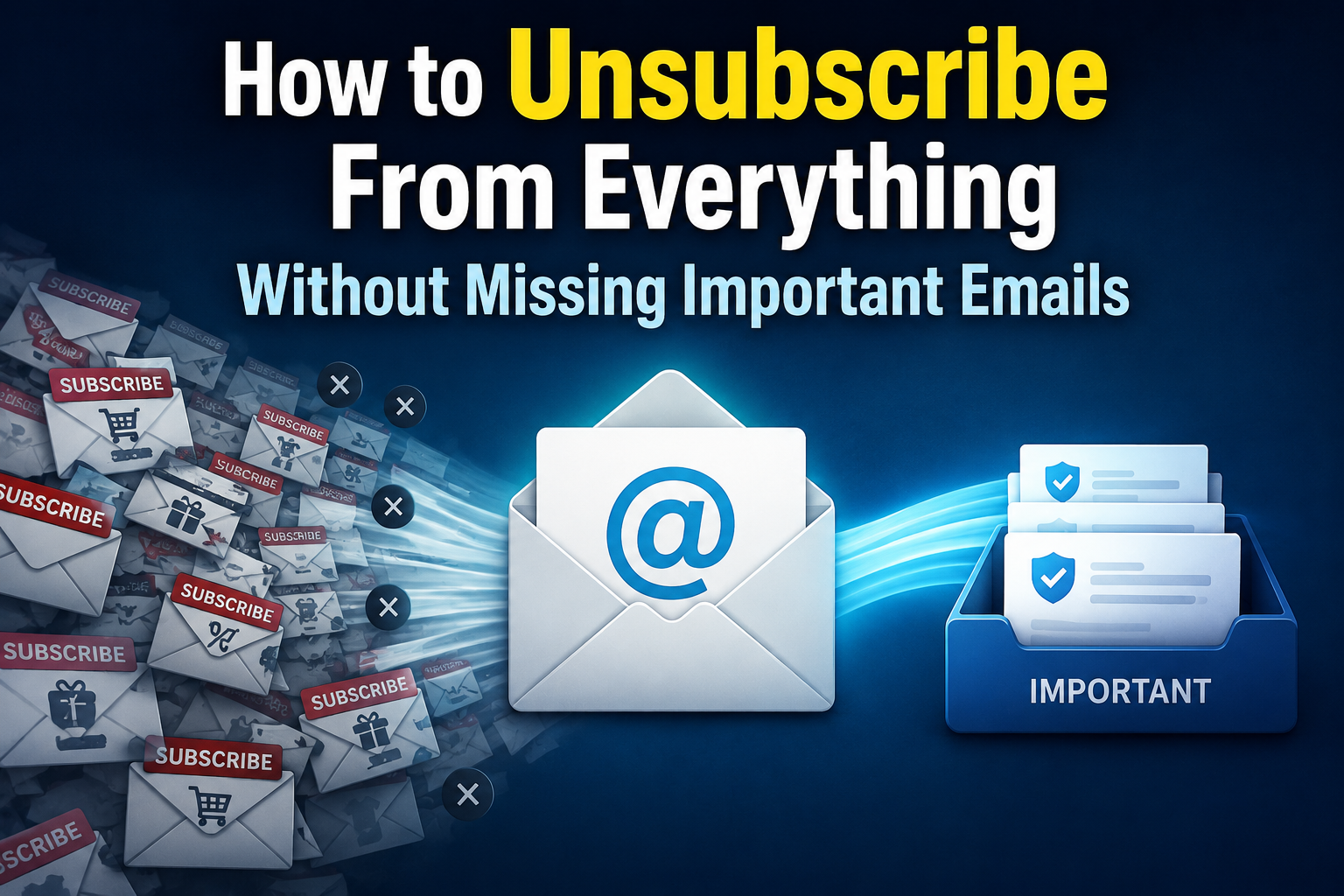
In today’s digital world, our email inboxes are like battlefields. We receive countless promotional emails, newsletters, and notifications daily, which we often don’t even remember subscribing to. These emails may seem harmless, but they fill your inbox, distract you, and make it difficult to find important information regarding work, family, or key services. The idea of unsubscribing from all emails is tempting, but most of us are afraid of missing something important. The good news is that you can clean up your inbox without missing any important emails. This guide helps you safely unsubscribe from all emails and keep only the ones that truly matter.
Understanding the Emails you Receive
Before you click the ‘unsubscribe’ button, it is crucial to understand the types of emails you receive. Not all emails are the same. A generic approach can backfire. First, categorize your emails into three main categories: advertising or marketing emails, newsletters, and personal or important reminders. Typically, retailers, companies, or apps send promotional emails with discounts or information. Newsletters may contain blog updates or curated content that you have subscribed to. Finally, it is crucial to protect personal email communication with family, colleagues, or essential services such as banks, utilities, and healthcare providers. Understanding email categories helps you quickly determine which emails you want to unsubscribe from and which you want to keep to avoid accidentally deleting important information.
Use a Dedicated Email Cleanup Tool
Manually unsubscribing from dozens or even hundreds of emails can be quite a chore. Fortunately, there are tools that can make this process safe and simple. Services like unroll.i or Clean Email can scan your inbox, detect subscriptions, and allow you to unsubscribe with just a few clicks. These services can also help you create ‘summaries’ or overviews, where emails you want to keep but do not need to read immediately are grouped into a daily summary. When using these tools, always choose a reliable platform with a robust privacy policy. This way, you can quickly delete unnecessary emails without missing important notifications, keeping your inbox clean, organized, and stress-free.
Use a Backup Email Address for Subscriptions
One of the most effective long-term strategies is distinguishing between promotional emails and important information. Consider creating a separate email address for subscriptions, newsletters, and online shopping accounts. This helps keep your main inbox clean while still allowing you access to the information you need. When signing up for new services, use your subscription email address (not your main email address). In the long run, this means a significantly smaller chance that important emails will get lost among marketing emails, and all unimportant emails are collected in one place, making it easy for you to unsubscribe later.
Smart Unsubscribing
Unsubscribing is also a strategy. First, tackle emails that are clearly irrelevant or outdated. Look for the ‘unsubscribe’ option, which is usually found at the bottom of promotional emails. Never click on suspicious links or suspicious phishing emails, as this can lead to security breaches. If you have newsletters or blogs that you still enjoy but don’t currently need, consider using a ‘consolidation strategy’ or a folder structure instead of simply unsubscribing. By consciously unsubscribing (rather than randomly), you gain control over your inbox while simultaneously retaining access to potentially relevant content or updates in the future.
Creating Filters and Tags
Even if you unsubscribe, you can still receive emails in your inbox. This is where email filters and tags come in handy. Email services like Gmail or Outlook typically offer the ability to set up rules to automatically categorize incoming emails. You can tag promotional emails, newsletters, or social media announcements and forward them directly to specific folders. You can also set up filters to place emails from important contacts at the top of your inbox. This process can be automated, reducing the need for manual inbox management and allowing users to focus on emails that require immediate attention.
Check and Update Your Subscriptions Regularly
Inbox management is not a one-time action. New subscriptions accumulate over time, while existing subscriptions may expire. It is advisable to schedule time (for example, weekly or quarterly) to clean up your inbox and unsubscribe from unwanted emails. This is how you prevent your mailbox from becoming unmanageable again. You can also protect your digital privacy by finding expired accounts or services you no longer use. By checking your subscriptions daily, you keep your inbox organized and ensure that you only receive truly important emails.
Keeping Track of Important Communications
When cleaning up your inbox, make sure you don’t miss any important emails. For example, you can add important contacts to your email provider’s ‘Protected Senders’ or ‘VIP’ list. Emails from these addresses bypass filters and land directly in your inbox. You can also set up email notifications for important people or organizations. Even if you unsubscribe, these measures ensure that you don’t miss important information from work, family, or essential services, giving you peace of mind and allowing you to maintain control over your digital life.
Setting up an Overview System
Create an overview system for emails that you don’t want to read immediately, but also don’t want to delete. Some email programs and apps bundle less important emails into daily or weekly overviews. This allows you to view all your subscriptions or newsletter updates at once without having to check each message individually. Processing information in batches helps prevent distractions and reduce the stress of an overflowing inbox. This strategy enables you to gradually unsubscribe and clean up your inbox, while still staying informed about non-urgent matters.
Pay Attention to New Emails You Have Signed Up for
Finally, it is important to know which services you have signed up for to keep your inbox organized. Every time you enter your email address online, ask yourself if you really want to receive promotional emails from that company. If possible, unsubscribe from newsletters during the registration process. Many websites offer checkboxes to unsubscribe from marketing emails, so you won’t be bothered by them later. “By proactively and consciously choosing where you share your email address, you will need to unsubscribe less often and your inbox will remain more organized.”
Summary
However, with the right approach, you can delete all emails without missing anything important. Take back control of your inbox by understanding the types of emails you receive, using cleanup tools, creating separate subscription mailboxes, and setting up filters and tags. By regularly checking your subscriptions, keeping track of important emails, and using email summaries, you maintain an organized and stress-free email experience. By carefully considering each new subscription, you turn your inbox into a useful tool instead of a source of overload. Use the following tips to create a more organized and manageable inbox and ensure you don’t miss any important emails.
Frequently Asked Questions
1. Will I miss important emails if I unsubscribe from all emails?
No. If you can distinguish between promotional emails and important emails and use filters or a secure sender list, you will still receive important emails.
2. Can I use tools like Unroll.Me safely?
Yes. Excellent technology with robust privacy protection mechanisms allows you to unsubscribe quickly without losing important emails.
3. Do I need to delete old emails after unsubscribing?
You do not need to delete old promotional emails, but deleting them is a good way to clean up your inbox and save storage space.
4. How often should I check my subscriptions?
It is a good idea to check them monthly or quarterly to avoid an email backlog and stay up to date with the latest and most important information.
5. Do I need a separate email address to receive subscriptions?
Yes, a separate email address for subscriptions ensures that your main account remains free of important emails, making the management of subscription emails easier.

Sunita Voss wanders through software like a city flâneur—observing, testing, occasionally getting lost, always finding shortcuts. She writes about digital minimalism, hidden web tools, and tech hacks with the patience of someone who enjoys the journey and the urgency of someone who values her time. No gurus. No gatekeeping. Just discovered paths.