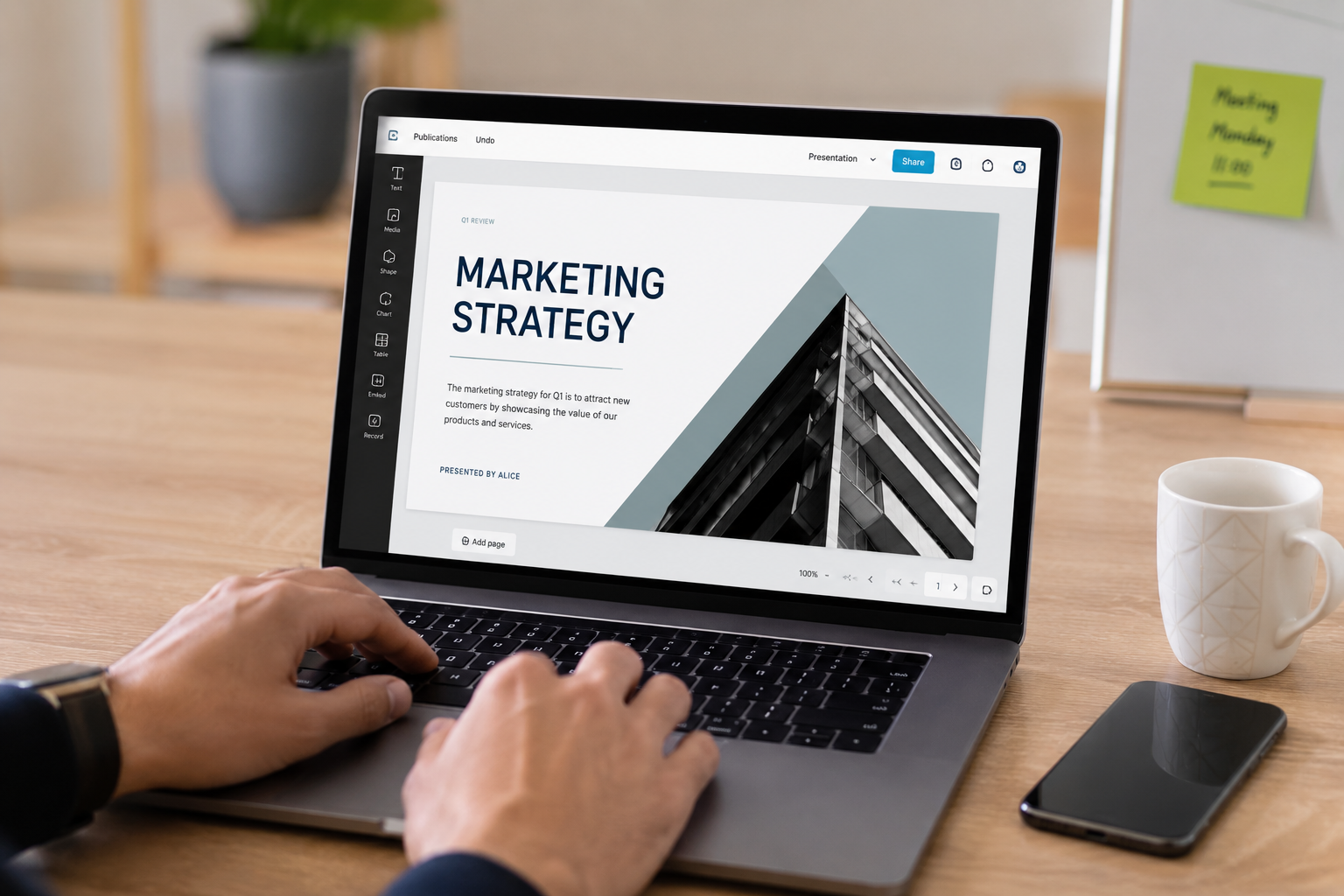
When I noticed that half the audience was looking at their phones, the presentation was already on the third of the forty slides. The speaker—a highly skilled and talented professional—had lost the audience’s attention simply by listing points. It wasn’t that his points were incorrect; it was that his tool was flawed.
Since 1987, PowerPoint has been the dominant presentation software. For over four decades, it has used the same linear presentation format. But the point is: even with Microsoft’s constant addition of new features (such as Designer, Morph transitions, and Copilot integration), PowerPoint still manages to bore the audience.
If you still use PowerPoint for every presentation, you are suffering reputational damage without realizing it. Here are the methods that will really work in 2026—and why the audience will remember these strategies, while your competitors’ presentations will have long been forgotten.
The Moment I Knew PowerPoint Was Broken
Three years ago, I attended a startup pitch that entirely changed my view of presentations. The founders did not use slides. He used a scrollable canvas, zooming in and out as needed to reveal context, and told his story in a guided manner rather than as a slideshow.
Everyone in the room leaned forward. No one looked at their phone. After he finished, the first question everyone asked was not “What is your business model?”, but “Which software did you use?”
The software was Prezi. But the focus was not on Prezi itself, but on how the presentation medium influenced the audience’s attention. The structure of PowerPoint is linear because speakers typically do not think in sequence.
The Hard Truth: Your audience decides whether to pay attention within the first 90 seconds. PowerPoint’s default templates make that decision harder, not easier.
What “Impressive” Actually Means in 2026
Let’s define terms. An impressive presentation isn’t one with fancy animations or expensive stock photos. It’s one where the audience:
- Remembers your main point 48 hours later
- Feels something (curiosity, urgency, excitement) during the talk
- Can explain your idea to someone else without your slides
- Doesn’t check their phone or email
PowerPoint can achieve these outcomes, but it fights you. The alternatives below are designed around them.
The Four Presentation Archetypes (And the Right Tool for Each)
Not every presentation needs the same approach. Match your tool to your goal:
| Presentation Type | What You Need | Best Tool | Why It Works |
|---|---|---|---|
| Story-driven pitch | Spatial flow, zoom transitions, narrative arcs | Prezi | Mimics how memory and stories work spatially |
| Data-heavy report | Live charts, interactive filtering, drill-down | Pitch.com | Turns static numbers into explorable stories |
| Team collaboration | Real-time editing, commenting, version control | Google Slides / Pitch | No file-version chaos, instant feedback loops |
| Visual showcase | Full-bleed images, cinematic transitions, minimal text | Gamma | AI-generated layouts that prioritize visuals over text |
Tool Deep-Dive: What Each One Actually Does Differently
Prezi: The Spatial Storyteller
Prezi’s canvas-based approach lets you place content anywhere and zoom between elements. This isn’t a gimmick — it mirrors how human memory works. We remember locations better than sequences (the “method of loci” technique used by memory champions for thousands of years).
When you zoom from a big-picture concept into a detail and back out, you’re literally mapping information onto spatial memory. Audiences retain more because their brains are built for this.
Best for: Pitches, educational content, anything with a clear narrative arc
Learning curve: Moderate — plan your canvas before adding content
Pricing: $5-$16/month depending on features
Pitch: The Data Narrative Engine
Pitch looks like a modern PowerPoint at first glance. The difference is under the hood. Live data connections mean your charts update automatically from Google Sheets, Excel, or databases. Interactive elements let audiences filter data during the presentation. And the analytics show you which slides held attention longest.
I used Pitch for a quarterly review last year. Instead of static screenshots of dashboards, I embedded live charts. When the CEO asked “What if we filter by region?” I changed one dropdown and the entire deck updated in real time. That moment was worth the switch alone.
Best for: Business reviews, sales decks, anything with numbers that change
Learning curve: Low — feels familiar if you know PowerPoint
Pricing: Free for individuals, $22/month for teams
Gamma: The AI-Powered Visual Deck
Gamma is the newest entry on this list, and it’s the most disruptive. You type an outline — literally just bullet points — and Gamma generates a complete presentation with layouts, images, and typography that would take hours to build manually.
But the real innovation is the output format. Gamma decks aren’t static files. They’re interactive web pages. Viewers can toggle between speaker notes and full content. They can explore embedded elements. They can comment directly on specific sections. It turns a presentation from a broadcast into a conversation.
Best for: Quick-turn decks, modern teams, async presentations
Learning curve: Minimal — AI does the heavy design work
Pricing: Free tier available, $8/month for Pro
Insider Note: Gamma’s AI isn’t perfect. It sometimes chooses generic stock imagery or overuses certain layouts. Plan to spend 10-15 minutes refining any AI-generated deck before presenting. That small investment still saves hours compared to building from scratch.
Google Slides: The Collaboration Standard
Google Slides isn’t exciting. It doesn’t have cinematic transitions or AI generation. What it has is reliability and ubiquity. When you need five people editing simultaneously from different time zones, Google Slides just works.
The 2026 update added better animation controls, improved presenter view, and tighter integration with Google Workspace AI. It’s not revolutionary, but it’s the safest choice when collaboration matters more than flash.
Best for: Team projects, academic settings, any environment where “everyone has access” matters more than “this looks amazing”
Learning curve: None — if you know PowerPoint, you know this
Pricing: Free with Google account
The Transition Strategy: How to Switch Without Chaos
Abandoning PowerPoint entirely isn’t realistic for most organizations. Here’s a phased approach that works:
Phase 1: Experiment with one high-stakes presentation. Pick your next big pitch, review, or keynote. Build it in a new tool. Note what feels different — both for you and your audience.
Phase 2: Standardize the tool for your specific use case. If Prezi worked for pitches, make it your pitch tool. If Pitch worked for data reviews, adopt it there. Don’t try to replace PowerPoint everywhere at once.
Phase 3: Train your team on the new standard. Most resistance comes from unfamiliarity, not capability. A 30-minute team session usually eliminates 80% of friction.
Phase 4: Evaluate and iterate. After three months, ask your audiences for feedback. Did they notice? Did they prefer it? Data beats assumptions.
The One Rule That Applies to Every Tool
Here’s what separates memorable presentations from forgettable ones, regardless of software:
One idea per screen. One screen per minute. No exceptions.
Prezi lets you zoom endlessly — resist the urge. Pitch lets you embed live data — don’t overwhelm with ten charts. Gamma’s AI can generate 50 slides — cut it to 15.
The tool amplifies your judgment. It doesn’t replace it.
Pro Tip: Test your presentation on the actual screen you’ll use. Colors shift, text becomes unreadable, and animations stutter on different displays. The 10 minutes you spend testing saves the embarrassment of a broken demo.
When PowerPoint Still Makes Sense
I’m not suggesting you delete PowerPoint. It still has specific advantages:
- Your organization mandates it and changing requires committee approval
- You need advanced animation timing for complex sequences
- You’re presenting in environments with unreliable internet (PowerPoint works offline)
- Your audience is older and unfamiliar with web-based tools
But these are edge cases, not defaults. The default should be: “What tool makes my audience lean forward?”
Related Articles
- How to Look Like a Pro Designer—Even If You’ve Never Opened Photoshop
- Creative Block? These Digital Tools Break It in Under 10 Minutes
- How to Plan Your Next Big Project With Mind Mapping Software
- How to Turn Your Smartphone Into a Professional Video Camera
- Professional Graphics in Minutes: The Secret Web Tools Designers Don’t Share
Sources and References
- Prezi. (2026). The Science of Spatial Presentations: Why Zooming Works. Prezi Research Blog. https://prezi.com/blog
- Pitch. (2026). Live Data Integration and Presentation Analytics. Pitch Documentation. https://pitch.com
- Gamma. (2026). AI-Powered Presentation Generation: Methodology and Best Practices. Gamma Blog. https://gamma.app
- Microsoft. (2026). PowerPoint Usage Statistics and Feature Adoption Report. Microsoft 365 Blog. https://blogs.microsoft.com/
- Harvard Business Review. (2025). Why Audiences Tune Out During Presentations — And How to Fix It. https://hbr.org
About the Author: The InsightTrail team has sat through too many bad presentations to stay silent. We test presentation tools the way most people test coffee — obsessively, critically, and with strong opinions about what actually wakes you up.

Sunita Voss wanders through software like a city flâneur—observing, testing, occasionally getting lost, always finding shortcuts. She writes about digital minimalism, hidden web tools, and tech hacks with the patience of someone who enjoys the journey and the urgency of someone who values her time. No gurus. No gatekeeping. Just discovered paths.