
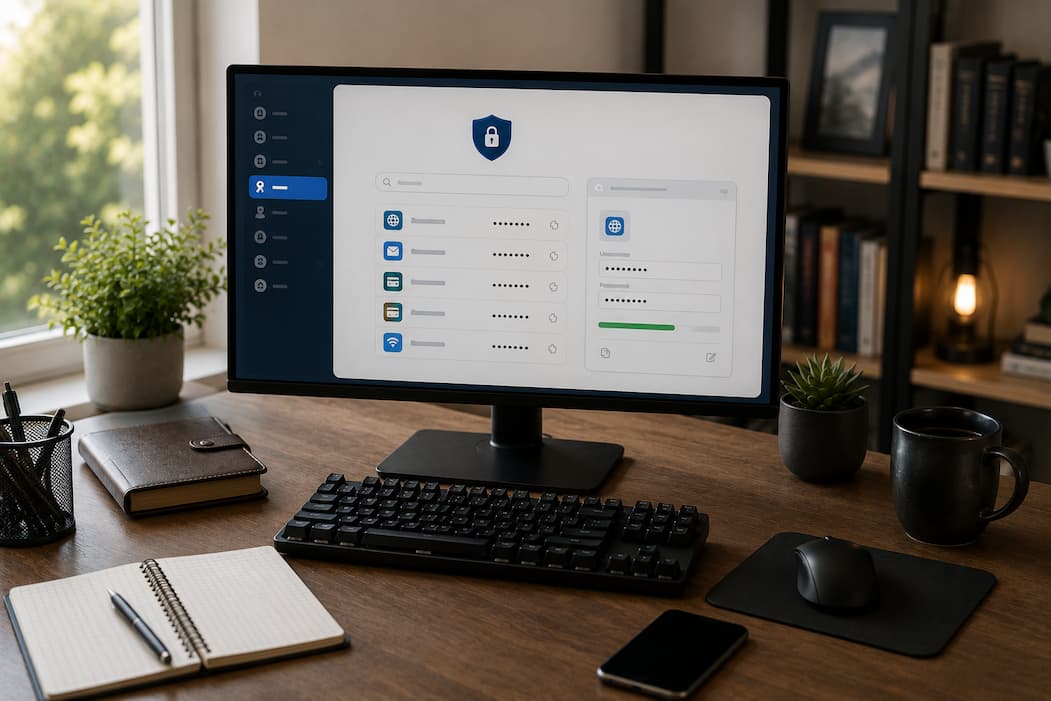
A typical internet user may have dozens, if not hundreds, of online accounts. Email, banking, shopping, streaming services, work platforms, healthcare portals, and social media all require passwords. Security experts recommend using a different, complex password for every account, yet hardly any people can realistically remember that many unique combinations without writing them down or …

Few computer mistakes create panic as quickly as deleting the wrong file. One moment an important document, family photo, or work project is sitting safely in a folder. A second later, it has disappeared after a single key press or an accidental drag into the recycle bin or trash. The first question most people ask …
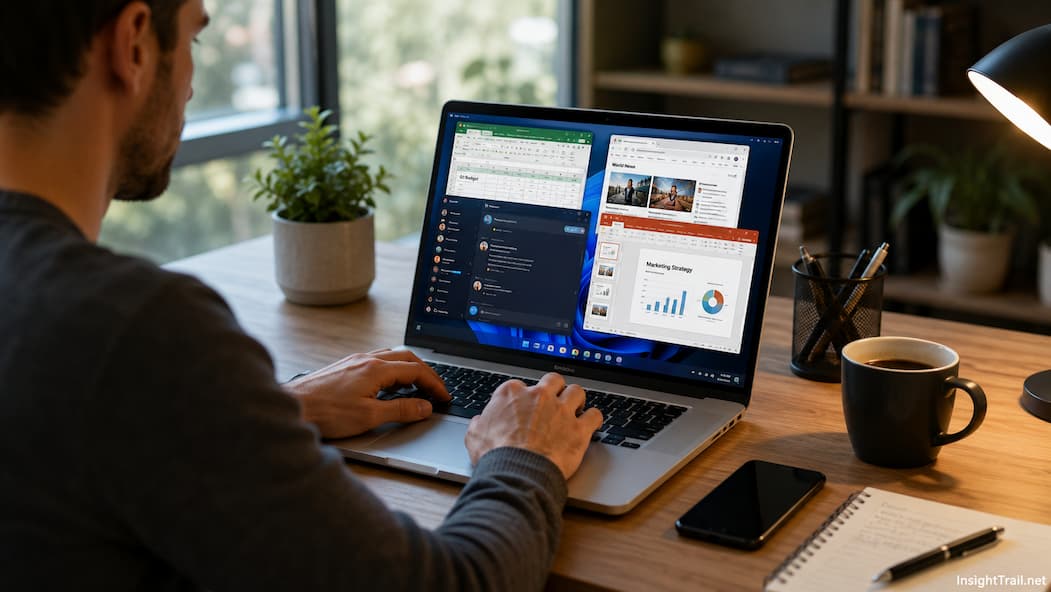
We have all experienced that sudden, frustrating moment of digital gridlock. You are working on a tight deadline with three browser windows open, a music streaming app playing in the background, a PDF reader open for reference, and a chat application pinging notifications. Suddenly, your cursor freezes, your keyboard inputs lag by three seconds, and …
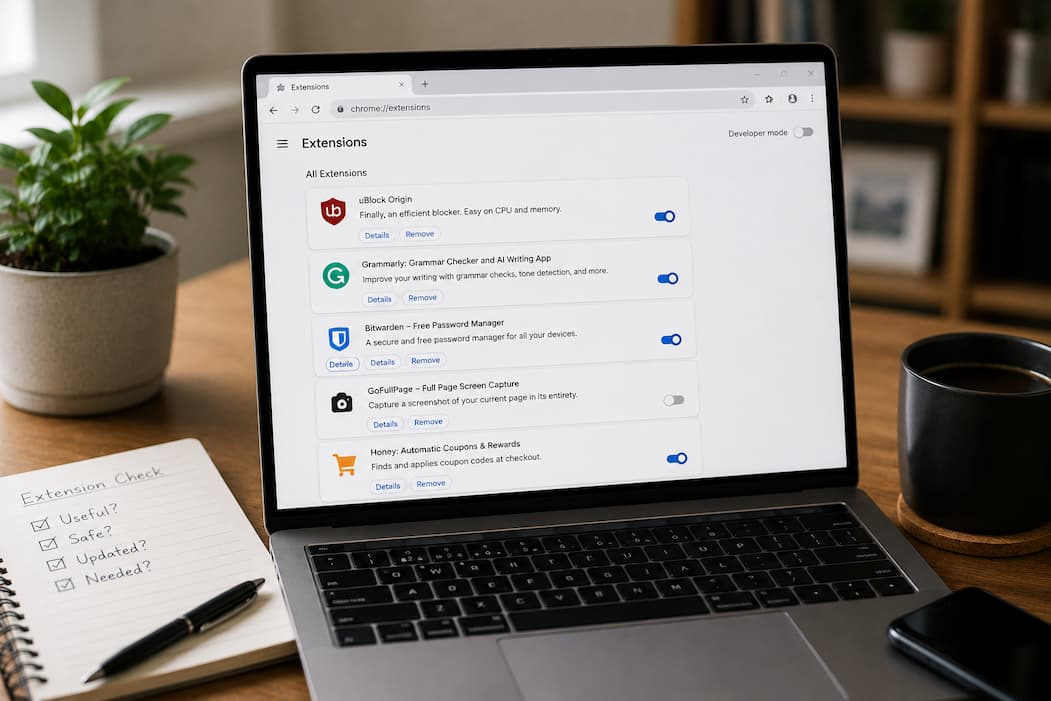
Modern web browsers have evolved far beyond simple windows for reading static HTML documents. Today, they operate as fully fledged desktop operating systems within our operating systems. We rely on browsers for everything from professional enterprise software and cloud document editing to video conferencing, project management, and daily communication. To tailor these environments to our …
Most people use a keyboard every day, yet many still perform simple tasks the slow way. They reach for the mouse to copy text, switch between windows, search for files, or undo mistakes—not because those actions require a mouse, but because those keyboard alternatives never became habits. The difference may seem small at first. Saving …
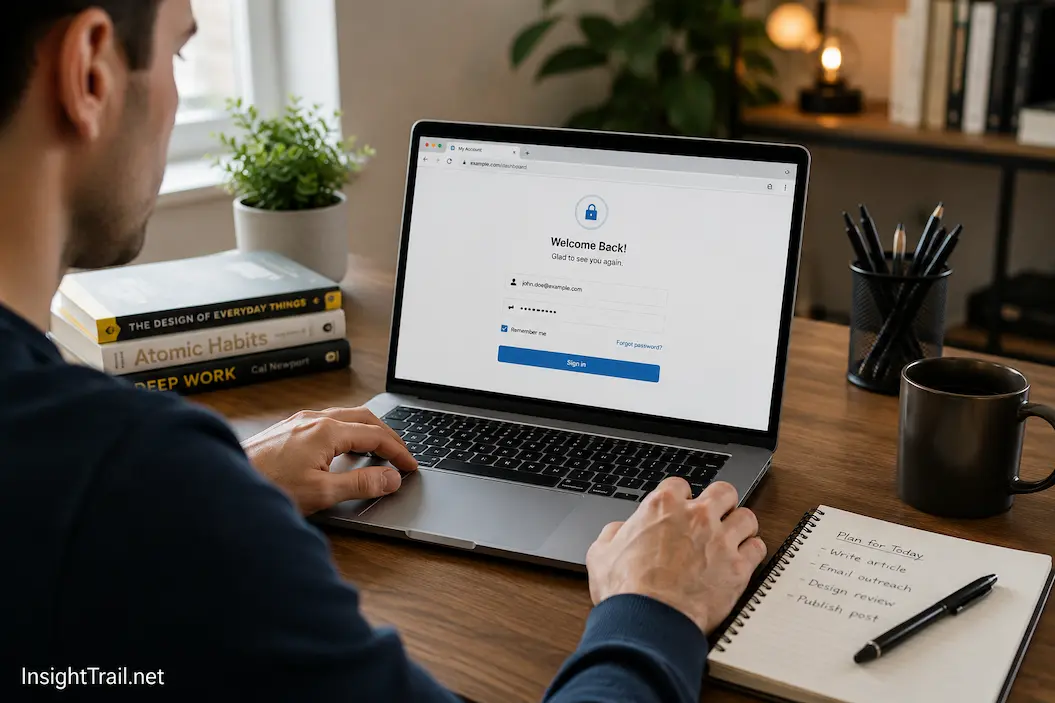
You unlock your laptop, open your favorite email service, and notice that your inbox appears immediately. There is no login screen, no request to enter your password, and no need to verify your identity again. The same thing happens with your music streaming service, online shopping account, and several work applications. Days—or sometimes even weeks—have …
Some people begin the workday with clear priorities but accomplish surprisingly little by lunchtime. They open the computer, intending to finish a report, answer a few emails first, notice a chat notification, search for a document, check a calendar invitation, and respond to a message on their phone, and suddenly an hour has passed without …
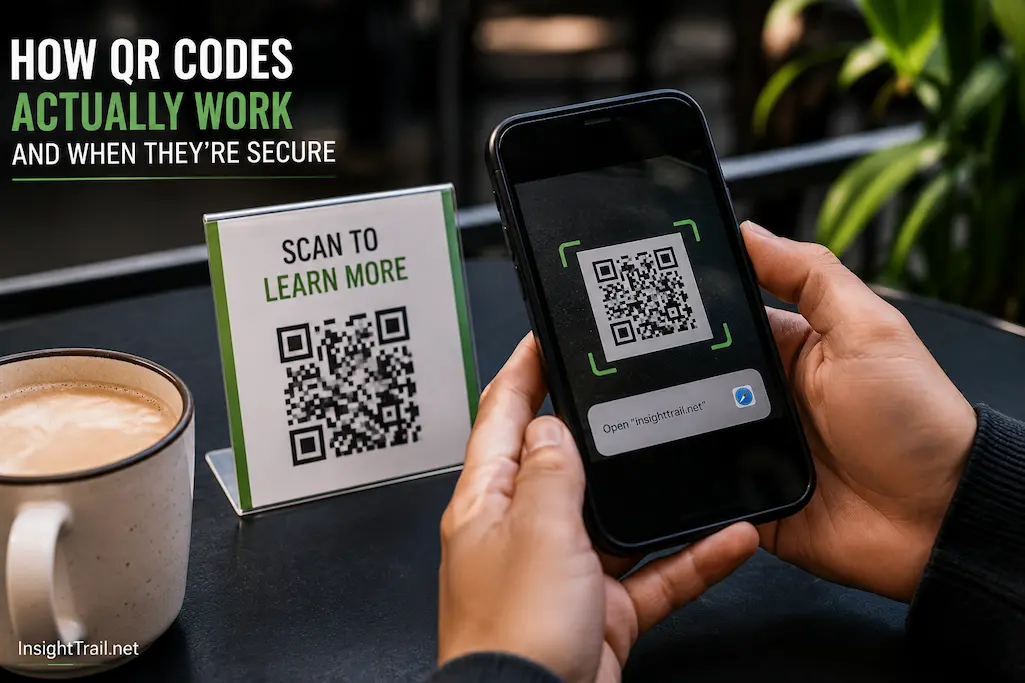
You walk into a café, point your phone at a small square printed on the table, and the menu appears instantly. Later that day, you scan another code to join a Wi-Fi network without typing a password. At a store, someone pays by scanning a code displayed on a payment terminal. In each situation, the …
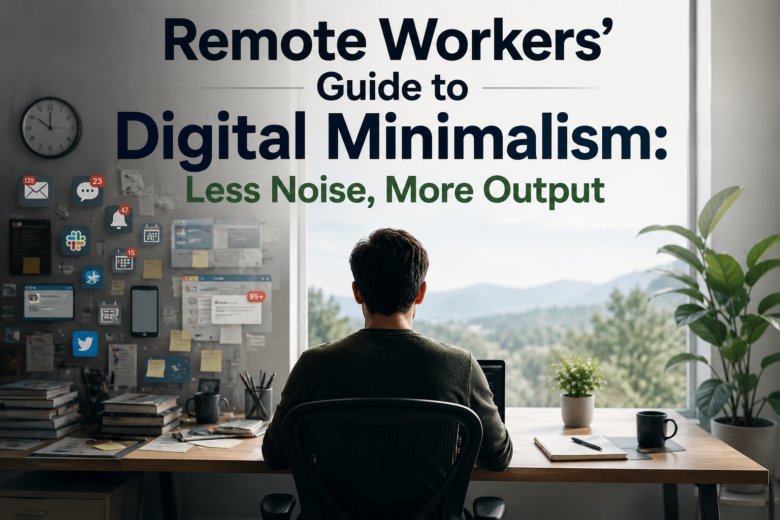
A remote workspace rarely becomes cluttered overnight. It usually starts with one extra messaging app, a few browser tabs left open for tomorrow, another cloud storage account for a client, and several desktop shortcuts that seem useful at the time. Weeks later, the computer feels busy before any real work has even begun. Notifications compete …

We have all been there. You open your laptop to finish a quick task, but instead, you find yourself staring at a spinning loading wheel, frozen application menus, and a sluggish cursor that seems to move through molasses. Your immediate reaction is often to search the web for a quick fix, leading you down a …